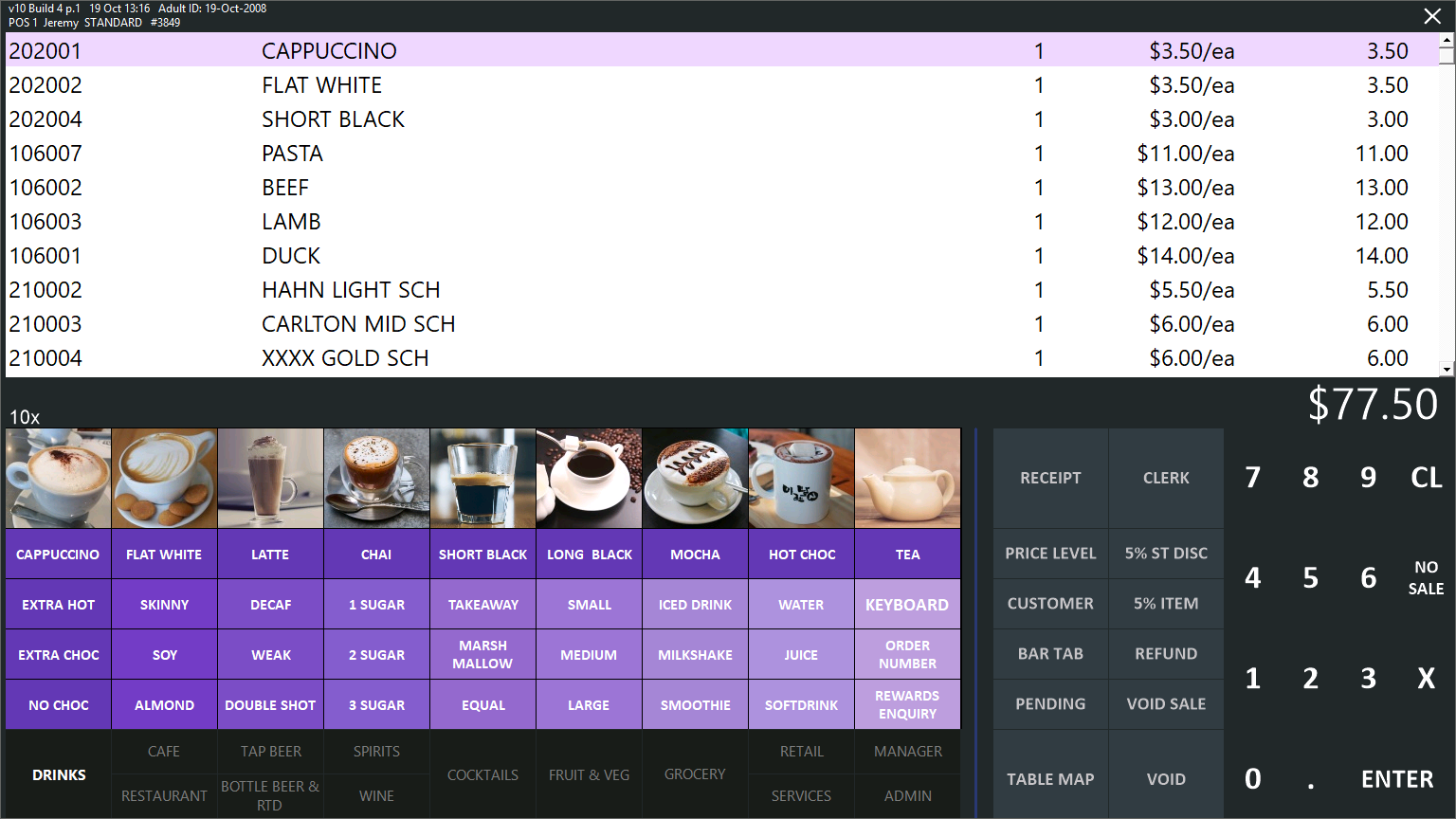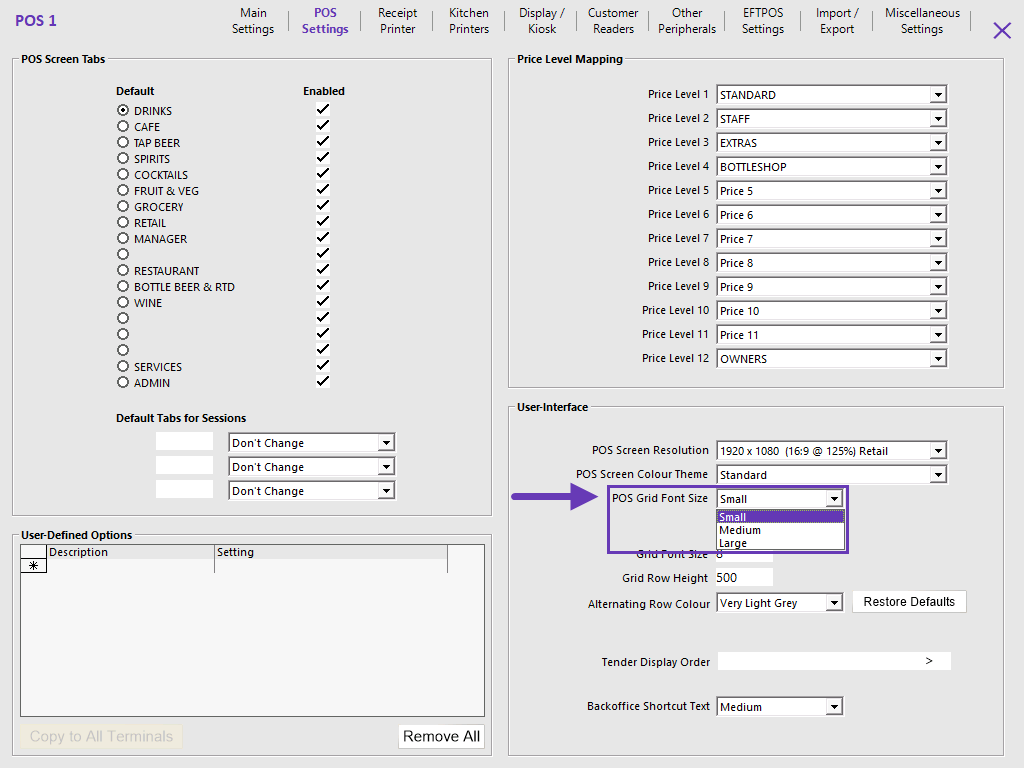
The POS Grid Font Size option is available in Idealpos v10 Build 4.
This option is only available when selecting a POS Screen Resolution of 1920 x 1080 (16:9 @ 125%) Retail; it is not available for the other POS Screen Resolutions.
To set the POS Screen Grid Font Size, go to: Back Office > Setup > POS Terminals > Select a POS Terminal > Modify > POS Settings.
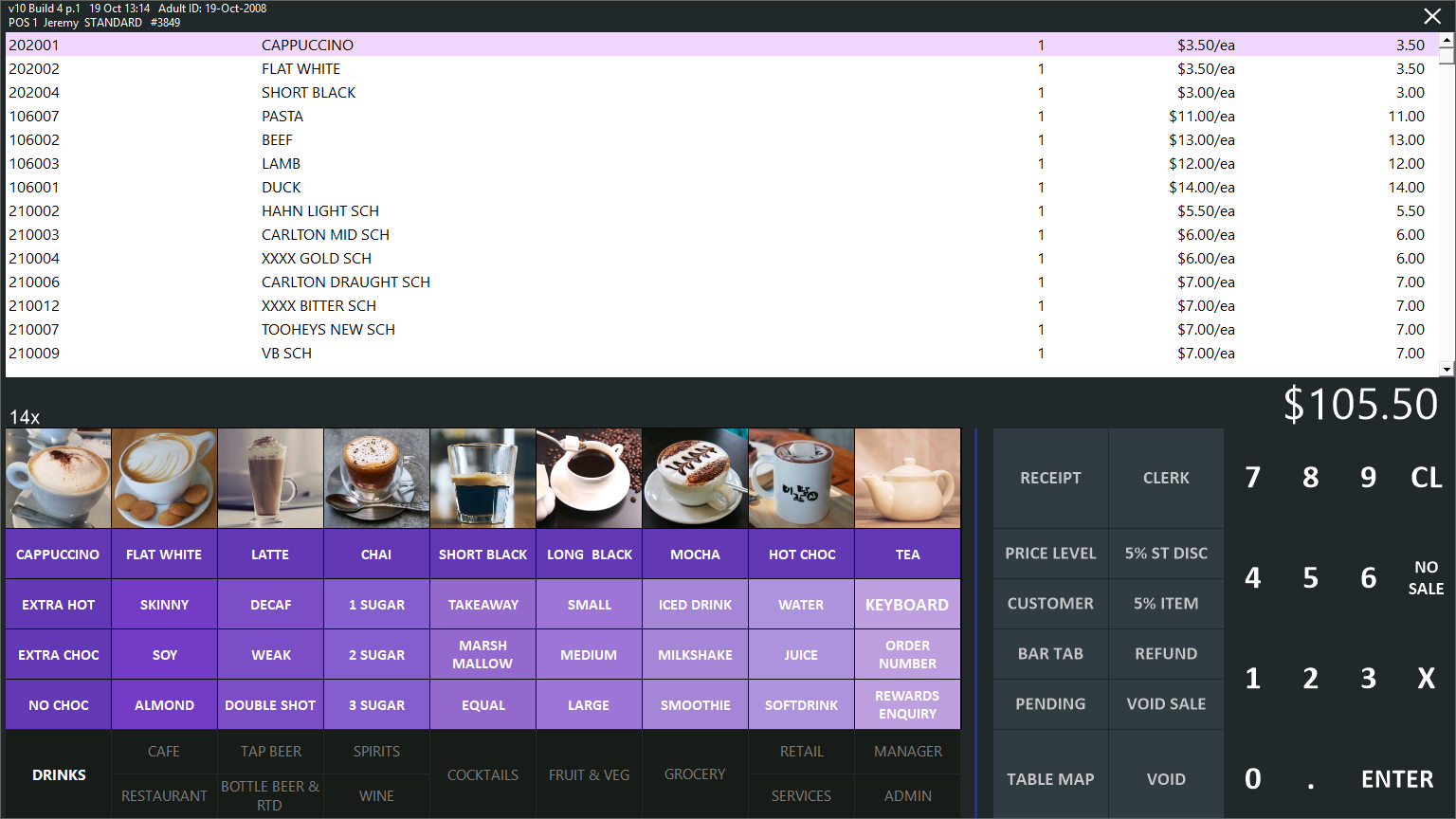
The Small Font Size enables a maximum of 14 lines to be displayed at once.
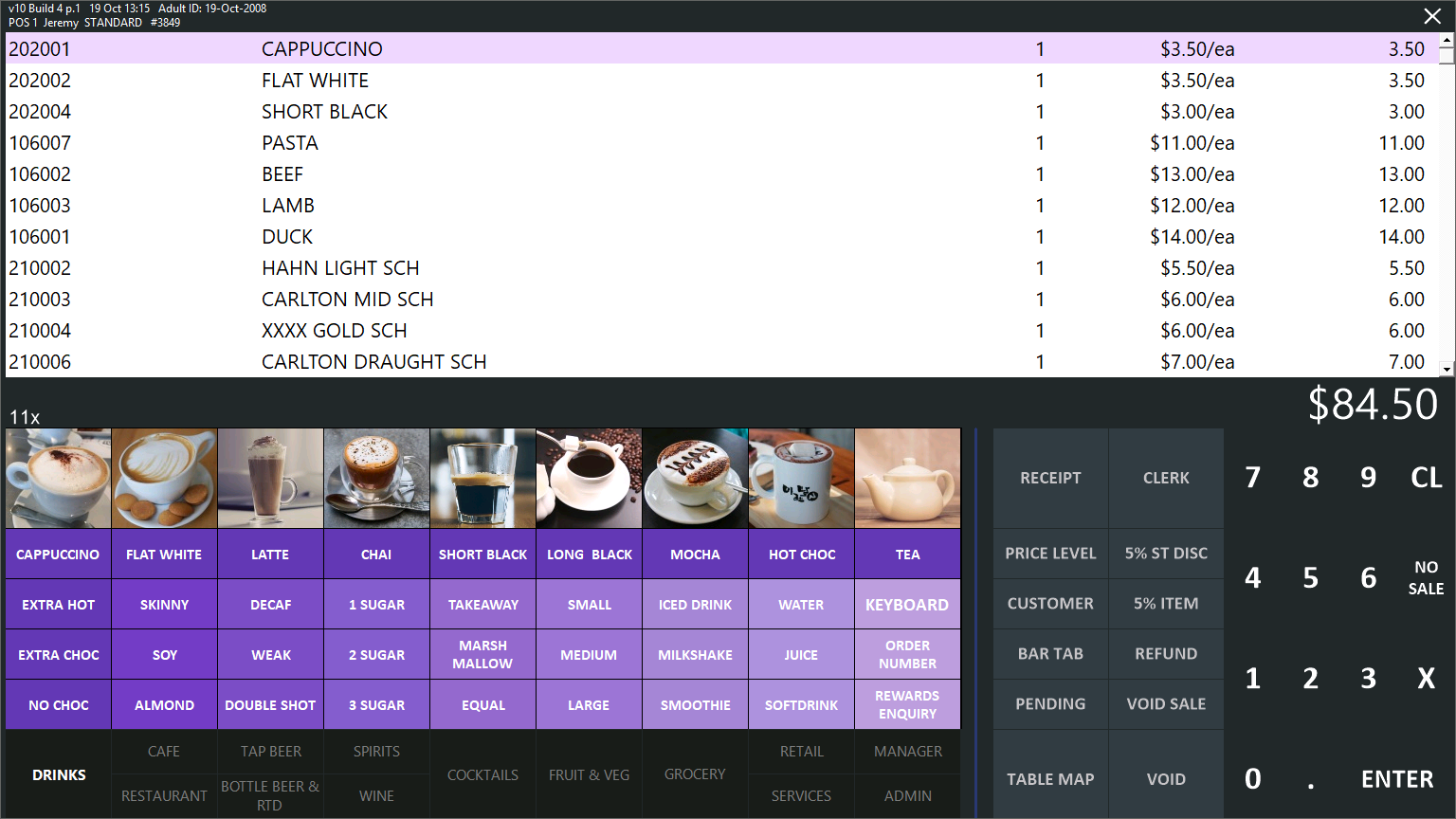
The Medium Font Size enables a maximum of 11 lines to be displayed at once.
The Large Font Size enables a maximum of 10 lines to be displayed at once.